Selecting the right charger for your Samsung device is crucial for ensuring optimal performance, safety, and convenience. With various charging standards and options available, navigating through them can be overwhelming. This ultimate guide will help you choose the best charger for your Samsung device, covering essential factors, types of chargers, and key features to consider.
- USB-C: Most recent Samsung devices, including the Galaxy S and Note series, use a USB-C port for charging.
- Micro-USB: Older Samsung models might still use micro-USB ports.
2.Determine the Required Power Output:
- Wattage: Different devices have different charging power requirements. Check your device’s specifications to know the optimal wattage for fast and efficient charging.
3.Fast Charging Compatibility:- Adaptive Fast Charging: Samsung’s proprietary fast charging technology found in many of their devices.
- Qualcomm Quick Charge: Some Samsung devices are compatible with Qualcomm Quick Charge, which provides faster charging speeds.
- Standard Wall Chargers: Provide basic charging capabilities. Ideal for everyday use and travel.
- Fast Charging Wall Chargers: Designed to deliver higher power output for quicker charging. Look for chargers that support Samsung Adaptive Fast Charging or Qualcomm Quick Charge.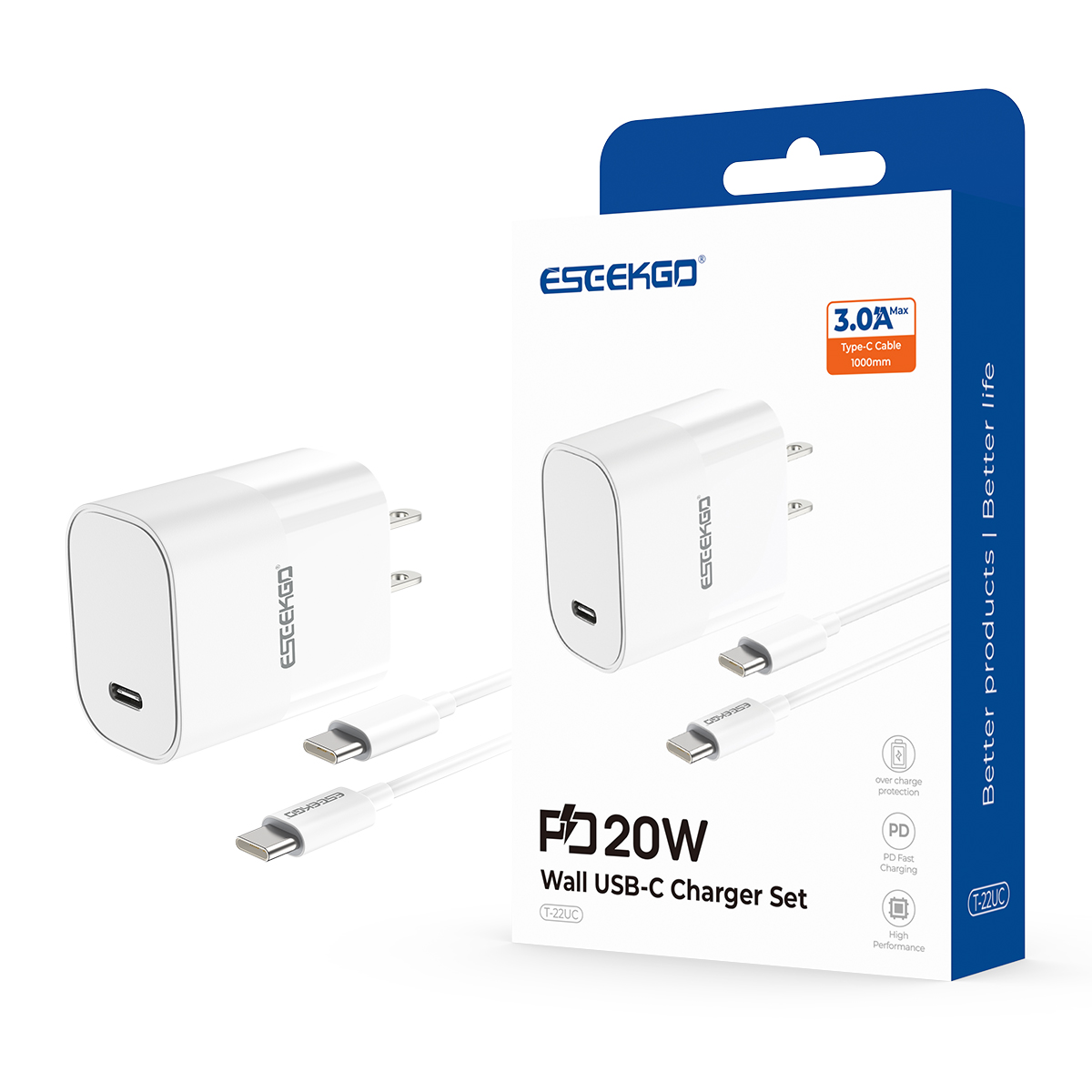
ESEEKGO T-22UC Fireproof PC Travel Adapter With 3.3FT Type-C To Type-C Fast Charging Cable (20W / US)
- Standard Wireless Chargers: Allow for cable-free charging using Qi wireless technology.
- Fast Wireless Chargers: Support fast wireless charging protocols compatible with Samsung devices, providing quicker charging without cables.
- Charging Pads vs Stands: Choose between flat pads or stands depending on your preference for using the device while it charges.
ESEEKGO P-05B 5000mAh 15W Magnetic Wireless Power Bank & 1.3FT USB-C To C Charging Cable
- Standard Car Chargers: Charge your device while driving using your vehicle’s power outlet.
- Fast Car Chargers: Equipped with higher output to support fast charging in your car. Ensure they are compatible with your device’s fast charging technology.
ESEEKGO CC- 52C 52. 5W QC22.5W+ PD30W Car Charger With 3.3FT Type-C To Type-C Charging Cable
- High-Capacity Power Banks: Useful for charging on the go, especially when traveling or during long days away from a power source.
- Fast Charging Power Banks: Choose a power bank that supports fast charging technologies compatible with your Samsung device.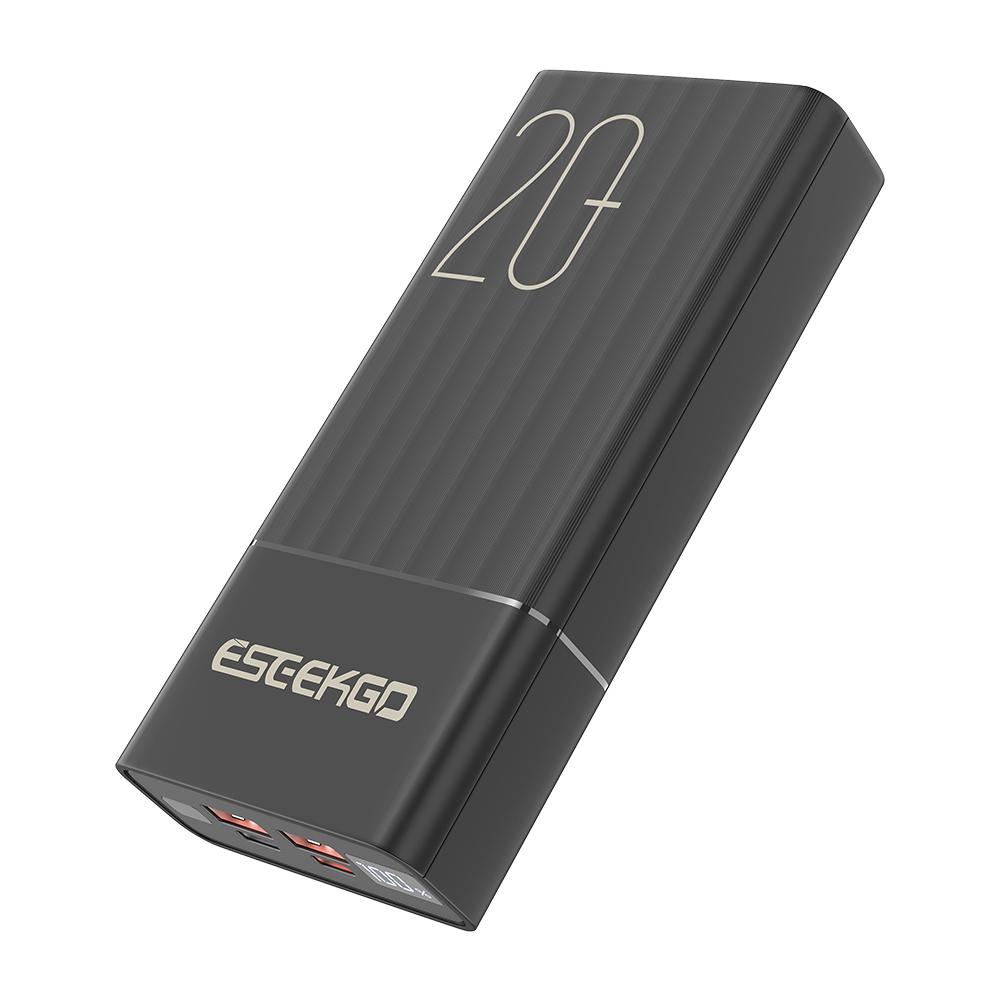
ESEEKGO P-20B PD20W+22.5W 2*Type-C+2*USB-A 20000mAh Power Bank(4 ports)
- Ensure the charger is compatible with your specific Samsung device’s charging standards and port type. Verify compatibility with fast charging technologies if applicable.
2.Build Quality and Safety:- Opt for chargers from reputable brands with built-in safety features to protect against overcharging, overheating, and short circuits. Look for certifications like UL, CE, or FCC to ensure safety.
3.Charging Speed:- Choose a charger that matches your device’s fast charging capabilities for quicker battery replenishment. Check the wattage ratings and supported charging standards.
4.Cable Length and Quality:- Consider the length and quality of the charging cable. Longer cables offer more flexibility in usage, while high-quality cables ensure durability and reliable performance.
5.Brand Reputation:- Opt for chargers from trusted manufacturers or those recommended by Samsung. Reliable brands often provide better build quality and customer support.
- Check if the charger is properly connected and compatible with your device. Try using a different cable or adapter to isolate the issue.
2.Slow Charging:- Ensure that you are using a charger with the correct wattage and that fast charging is enabled in your device settings. Inspect the cable for damage.
3.Overheating:- Use the charger in a well-ventilated area and avoid using damaged cables. If overheating persists, consider replacing the charger.
Conclusion
Choosing the best charger for your Samsung device involves understanding your device’s charging requirements, selecting the right type of charger, and considering key features like compatibility, build quality, and charging speed. By following this ultimate guide, you can ensure efficient and safe charging for your Samsung device, enhancing your overall user experience.

